u::Lux Switch IP / IoT
One display. Four buttons. Your MQTT devices.
Control MQTT-enabled devices and systems, display values and status information, and create your own custom user interface. With the free u::Lux IoT Designer, everything can be configured without traditional programming.
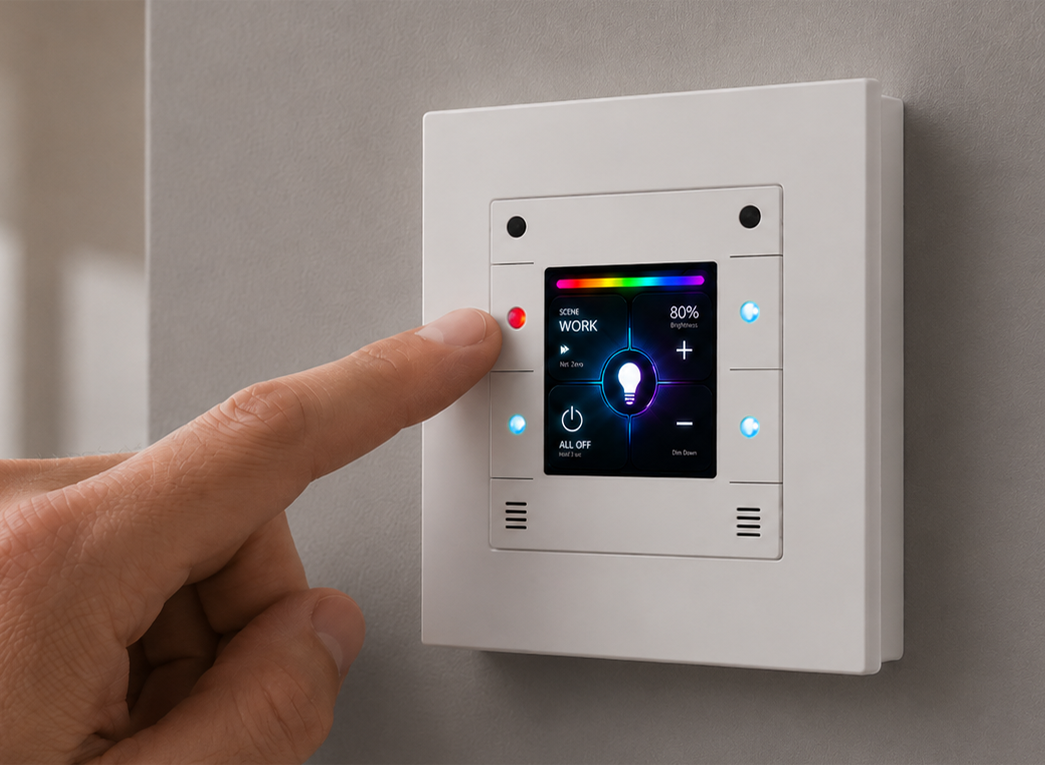
Compatible with existing u::Lux Switches
All u::Lux Switch IP devices with serial numbers 2700 and above are MQTT-compatible. The IoT Designer performs the required update automatically – no new hardware is needed.
u::Lux IoT Designer
Design instead of programming.
Create custom user interfaces using drag & drop. Configure MQTT brokers, variables, buttons and RGB LEDs, and transfer your project directly to the u::Lux Switch IP.
With the integrated Live Test, you can try out your projects directly on your PC – even without a connected u::Lux Switch.
Download IoT Designer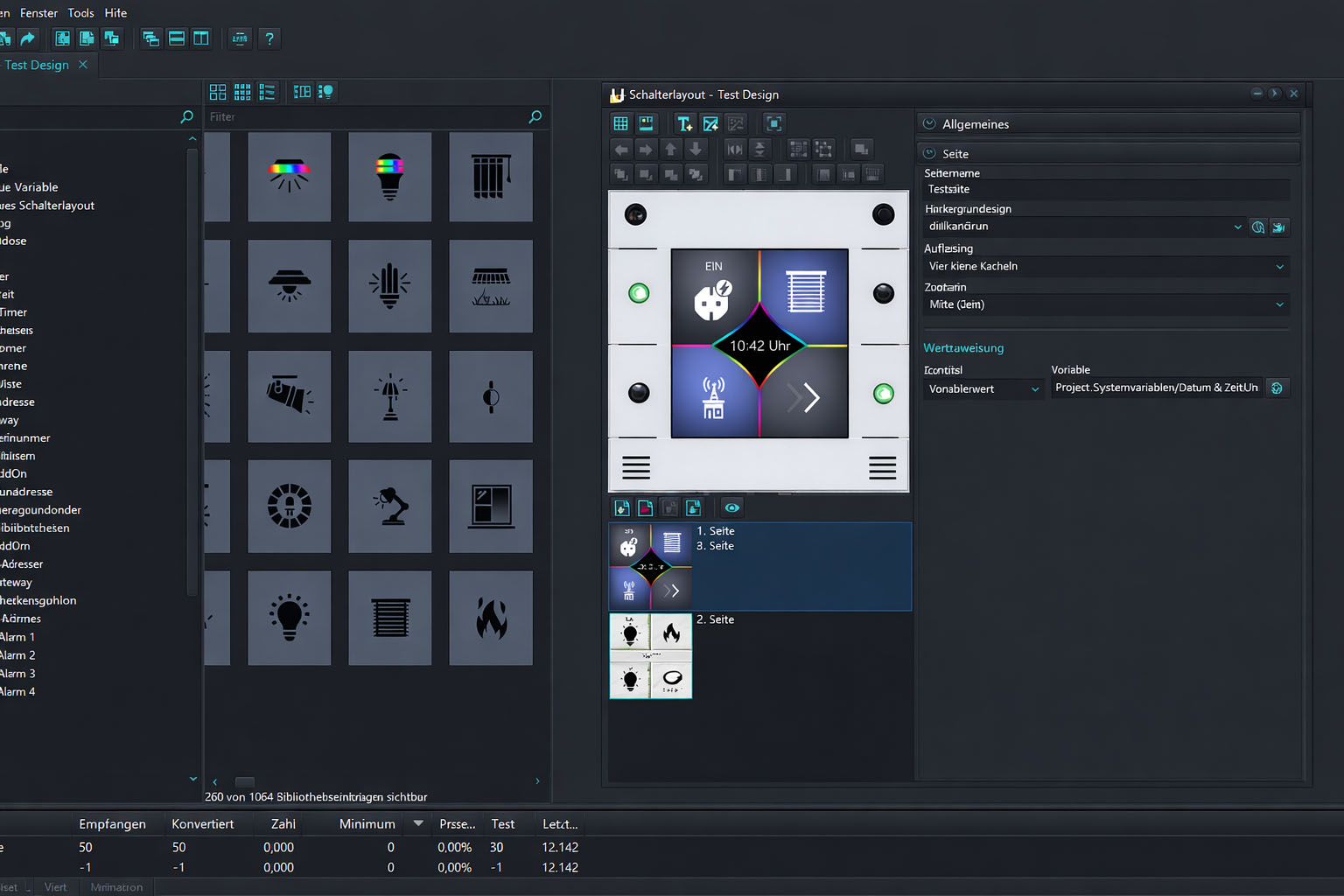
Many devices. Many systems. One u::Lux Switch.
Whether Shelly, Tasmota, Zigbee devices or other smart home systems: the u::Lux Switch IP / IoT communicates via MQTT. Solutions such as Zigbee2MQTT, Node-RED or Home Assistant also allow devices without native MQTT support to be integrated – provided their data and control commands are made available through an MQTT broker.
u::Lux IoT Designer Tutorials
Learn the most important features – from the basics to directly controlling MQTT devices.
